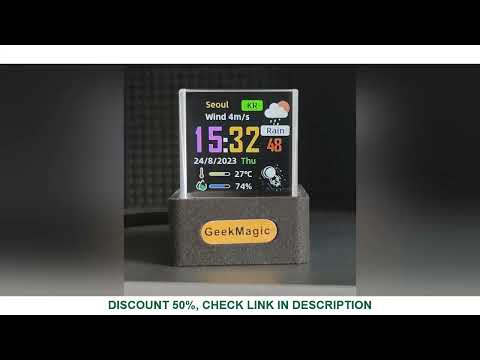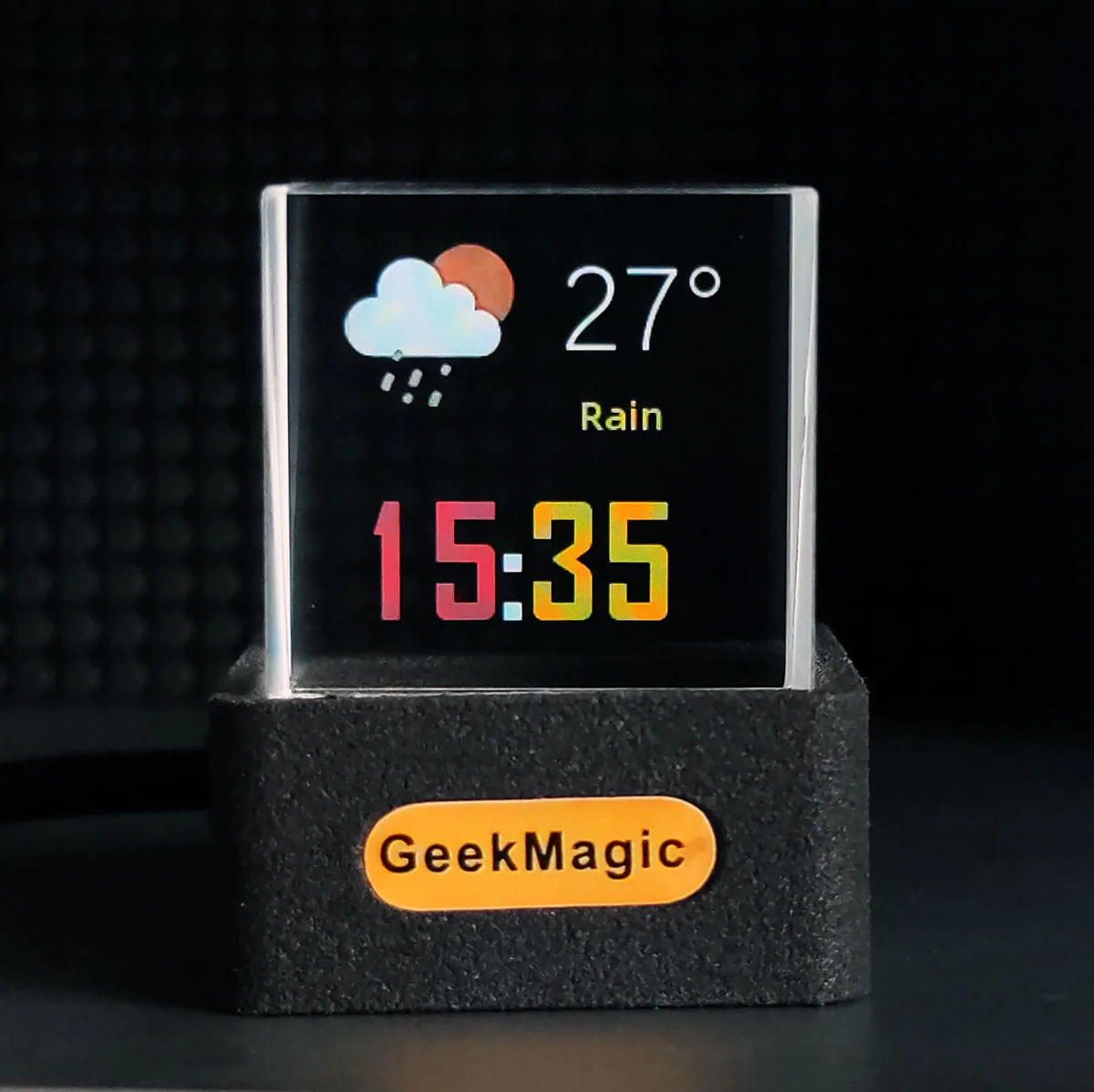
Transparent Glass Display
HelloCubic Lite
A 25 mm glass cube transforms a 1.3-inch screen into a floating clock, weather display and personal media object.
- 1.3-inch 240 × 240 IPS color display
- 2.4 GHz Wi-Fi and browser-based control without an app
- Displays weather, calendar, outdoor conditions, JPGs and GIFs
Official purchase
Buy HelloCubic Lite from the official channel.
US$22.99US$6 base shipping; applicable surcharges and taxes at checkout
Choose your base color and complete your purchase in the official GeekMagic store. Gross shipping weight: 120 g.
Why buy official
The official page helps confirm the HelloCubic Lite model, transparent cube dimensions, firmware repository, and support path.
- Official firmware and manual link
- Verified transparent cube photos and specifications
- Community videos collected by GeekMagic
- Support path for setup and firmware updates
ShippingShips from mainland China. Estimated delivery: 7–20 days.30-day returnsEligible official orders can request return service within 30 days.1-year warrantyOne-year limited warranty for eligible manufacturing defects.Official contactSupport, wholesale and OEM: GeekMagic@163.com · +86 15692082060 · WeChat: ifengchao.
Digital content, refracted through glass
A compact transparent object for desks, bookshelves, bedside tables and display collections.
CPU & memoryESP8266EX
4 MB total, ~2 MB available
4 MB total, ~2 MB available
Display & material1.3-inch IPS, 240 × 240
25 mm glass cube
25 mm glass cube
Connectivity2.4 GHz Wi-Fi
Browser-based control
Browser-based control
Size & power35 × 31 × 38 mm, 90 g
USB-C, 5V / 1A+, 1W
USB-C, 5V / 1A+, 1W
Clock, weather and personal visuals
Weather, clock, personal images and transparent cube scale in one focused gallery.
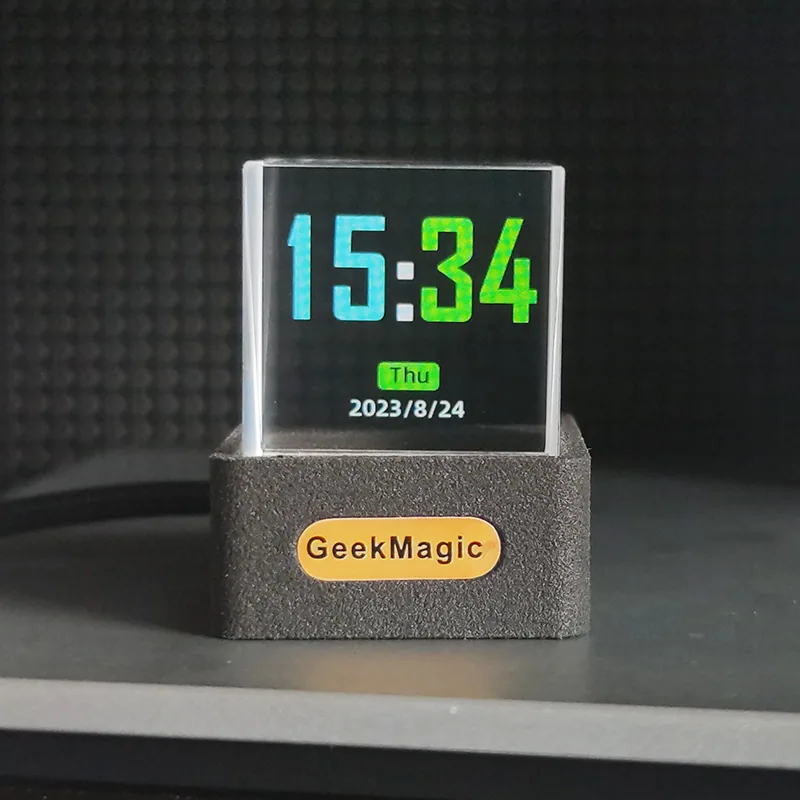
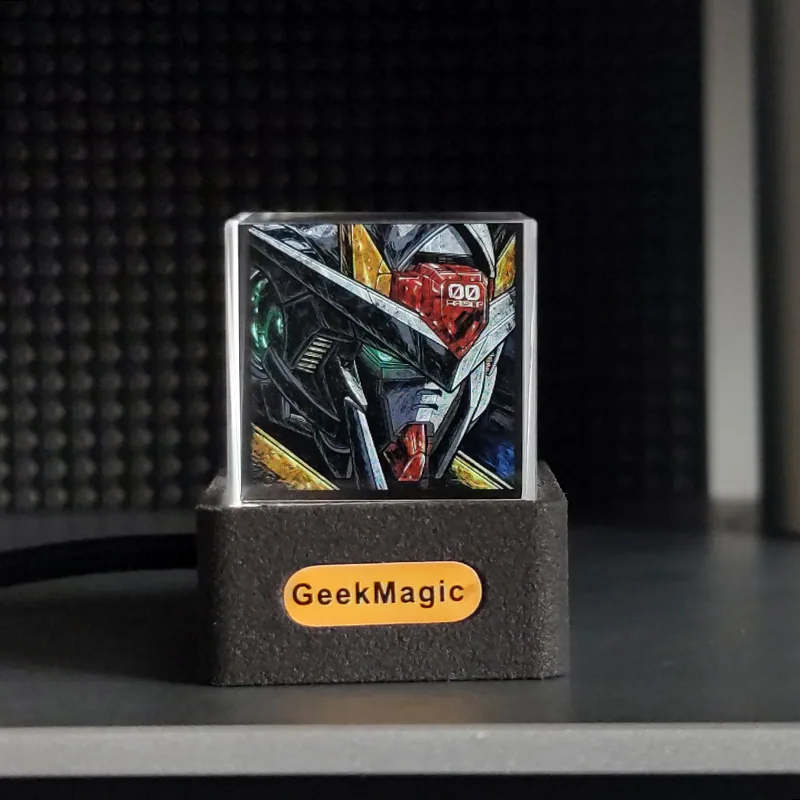
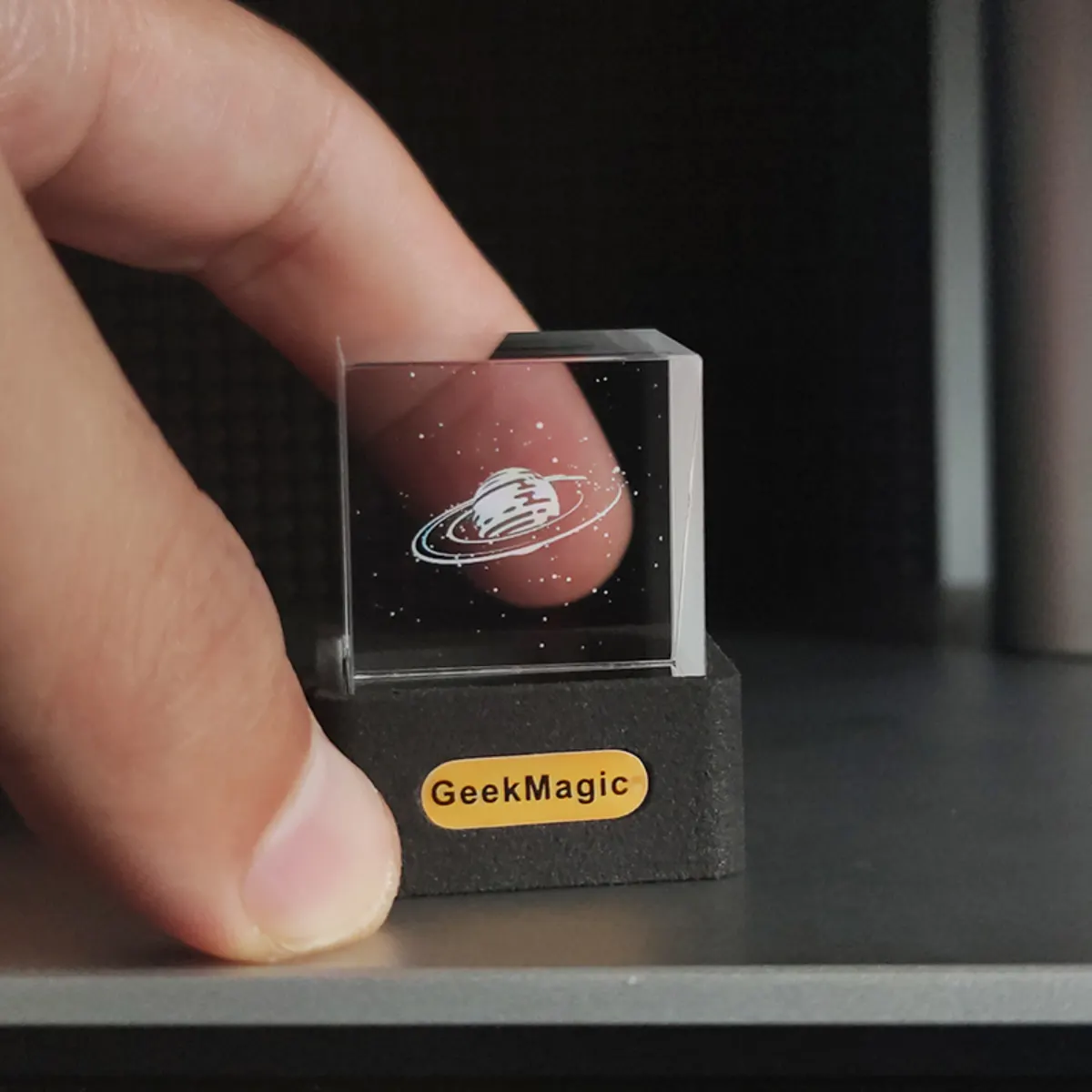
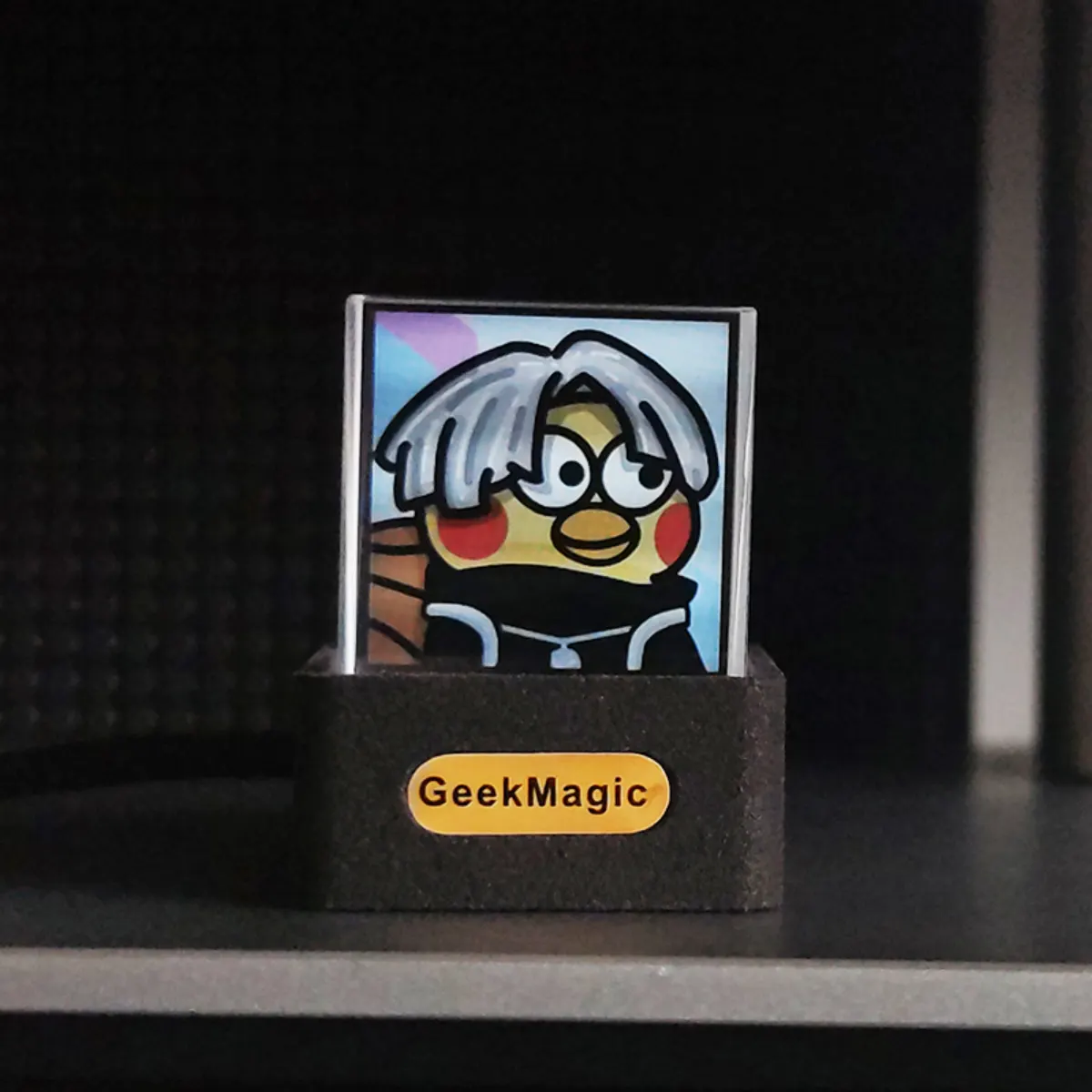
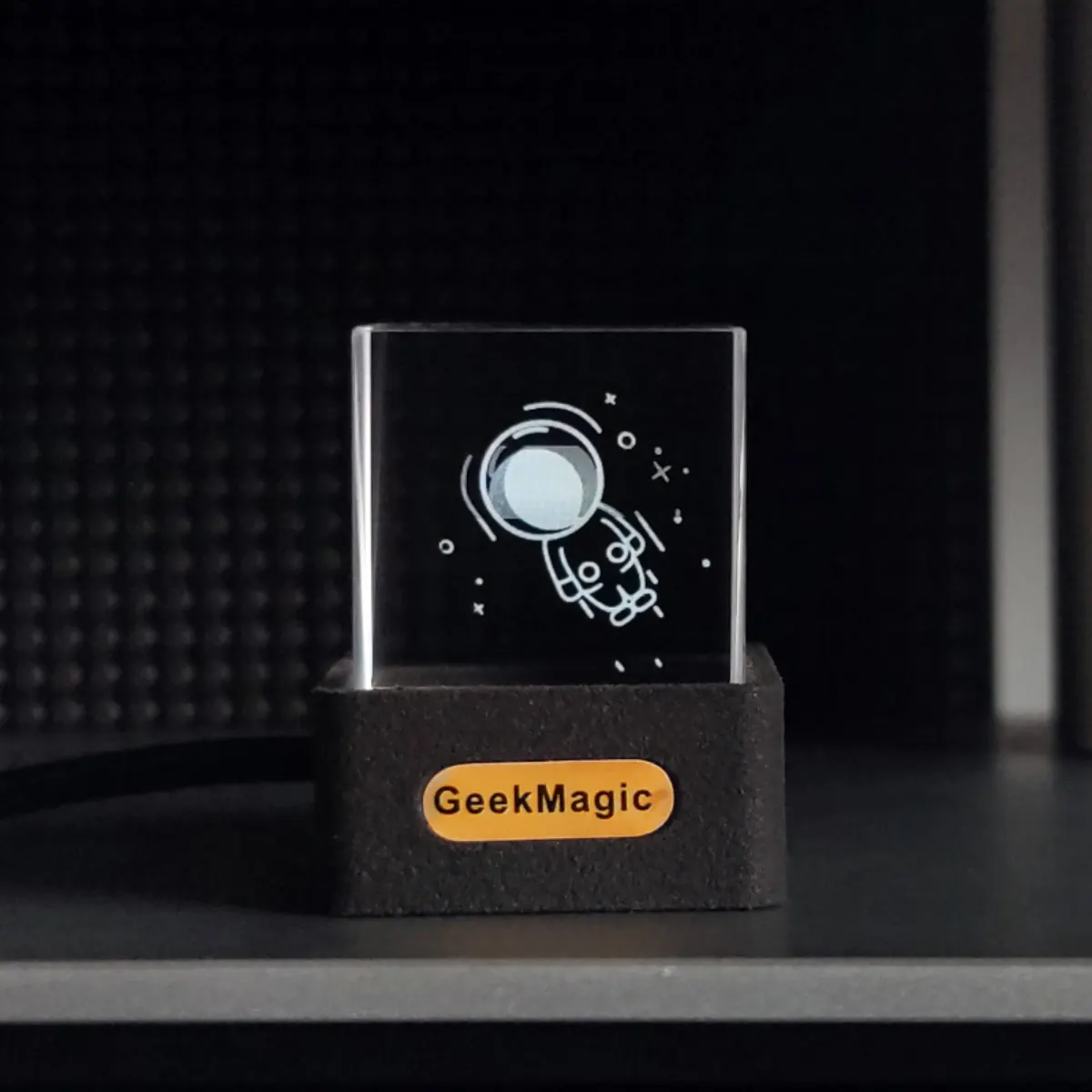
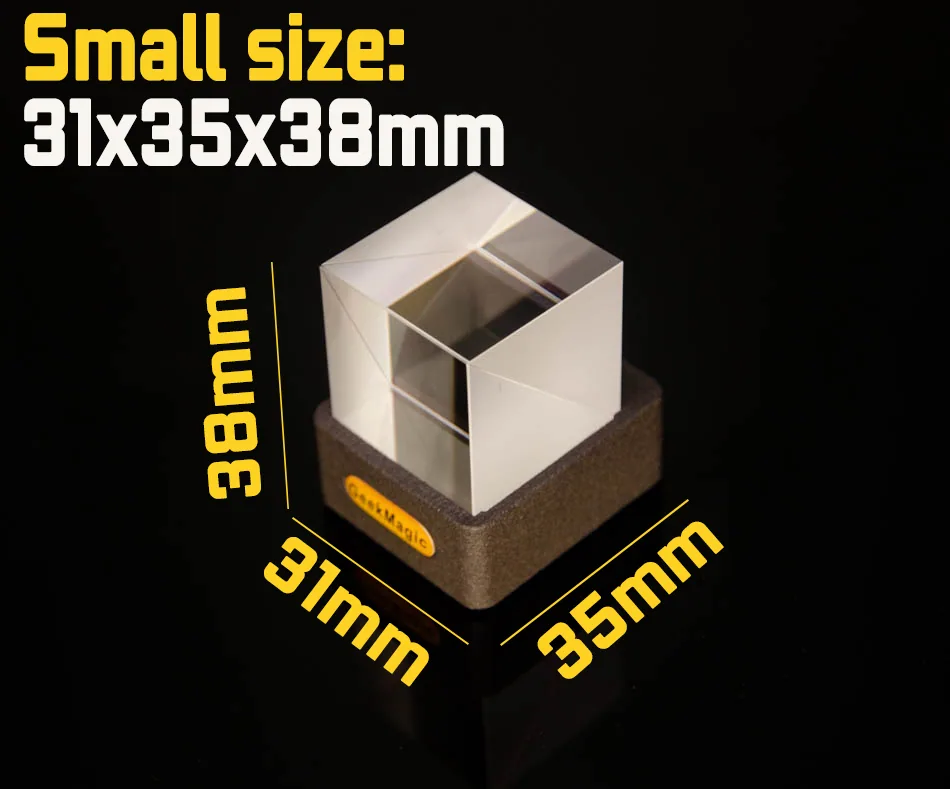
Use the arrows or swipe horizontally to browse the full image set.
Included
- HelloCubic Lite main unit
- 1 m USB to USB-C power cable
- Quick-start instruction card
Good to know
- Black or white ABS base
- 4 MB total memory, approximately 2 MB available
- Not water- or dust-resistant
- One-year warranty
HelloCubic Lite FAQ
Quick answers for the transparent cube display, content modes, and firmware.
What is HelloCubic Lite?
HelloCubic Lite is a compact GeekMagic Wi-Fi display with a transparent glass cube over a 1.3-inch IPS screen.
What can HelloCubic Lite display?
It can show clocks, weather, calendar information, JPG photos, and animated GIFs.
Where can I find official firmware and manuals?
Use the manual and firmware button on this page or start from the GeekMagic support center to open the official GitHub repository.
Videos & independent reviews
Transparent display coverage and community setup videos.