Wi-Fi Weather Clock
SmallTV Ultra
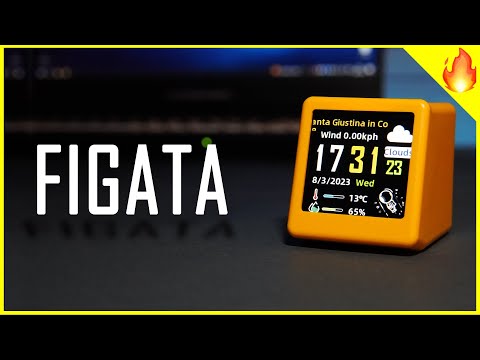
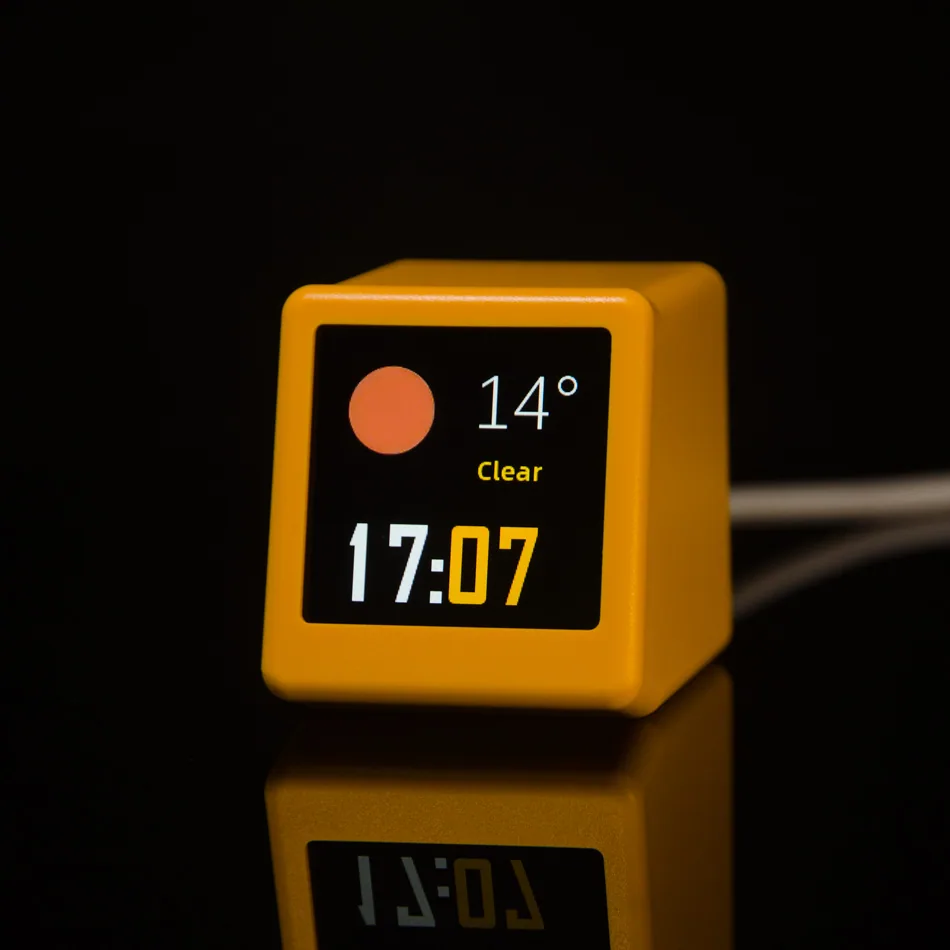
A tiny 1.54-inch smart display for time, current weather, three-day forecasts, photos and animated GIFs.
- 240 × 240 IPS color display with adjustable brightness
- 2.4 GHz Wi-Fi with browser-based setup—no app required
- Global time zones, °C/°F, night screen-off and theme rotation
Official purchase
Buy SmallTV Ultra from the official channel.
Official store pricingshown on AliExpress
Choose the available color and shipping option on the official AliExpress product page. Direct checkout will be added when the official shop is ready.
Why buy official
Use this page to confirm the model, firmware repository, and official product material before purchasing.
- Official firmware and manual link
- Verified product photos and specifications
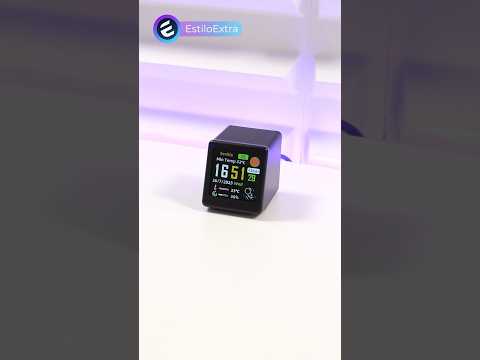
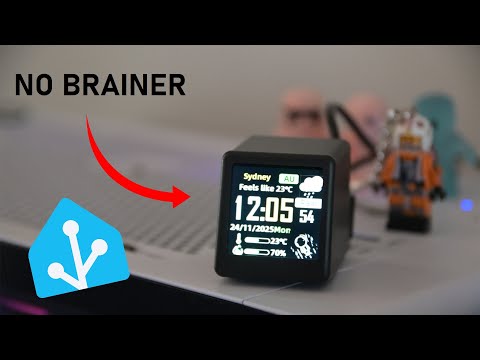
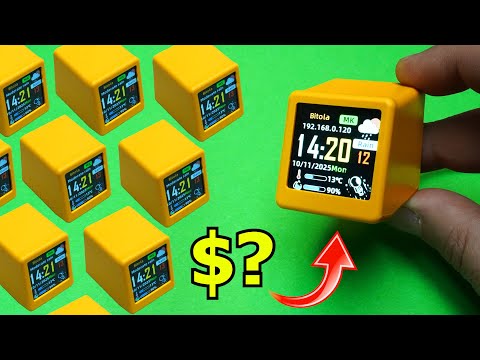
- Community videos collected by GeekMagic
- Support path for setup and firmware updates
ShippingShips from mainland China. Estimated delivery: 7–20 days.30-day returnsEligible official orders can request return service within 30 days.1-year warrantyOne-year limited warranty for eligible manufacturing defects.Official contactSupport, wholesale and OEM: GeekMagic@163.com · +86 15692082060 · WeChat: ifengchao.
Small body, useful screen
Designed for desks, shelves, bedside tables and computer setups.
CPU & memoryESP8266EX
4 MB total, ~2 MB available
4 MB total, ~2 MB available
Display1.54-inch IPS LCD
240 × 240 pixels
240 × 240 pixels
Connectivity2.4 GHz Wi-Fi
Browser-based control
Browser-based control
Size & power45 × 35 × 40 mm, 35 g
USB-C, 5V / 1A+, 1W
USB-C, 5V / 1A+, 1W
What it can show
Screen modes, personal media, color variants and product scale in one focused gallery.
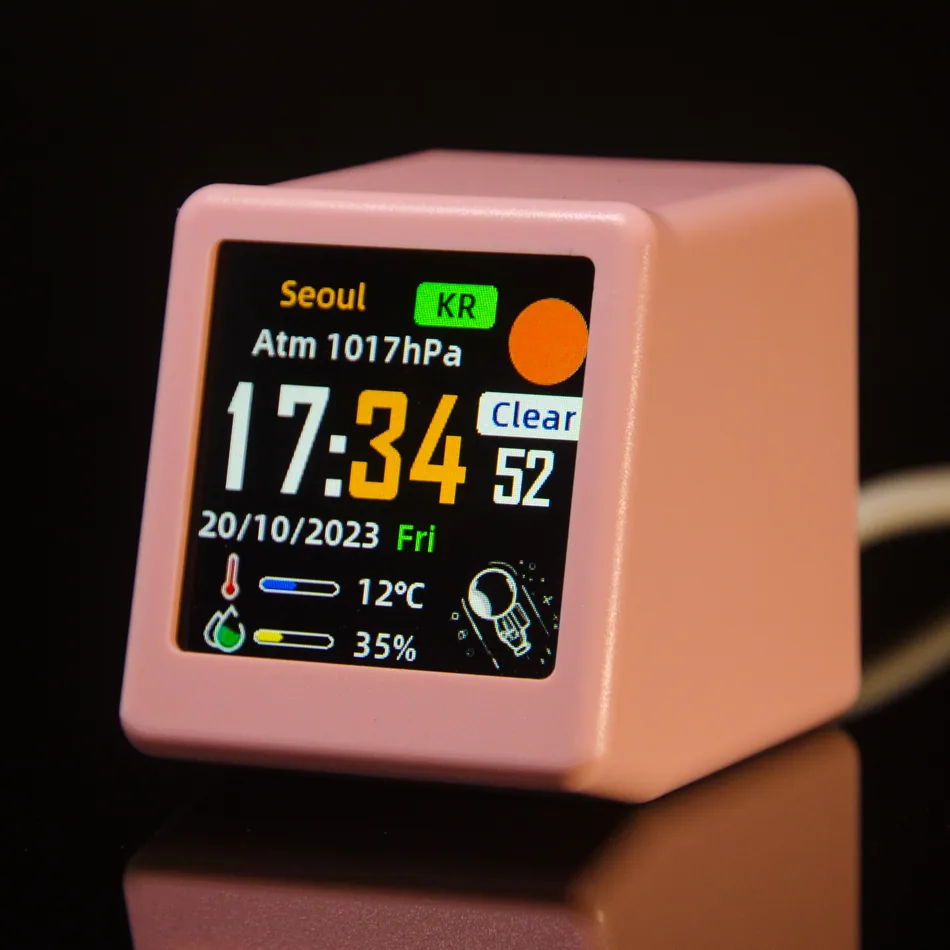
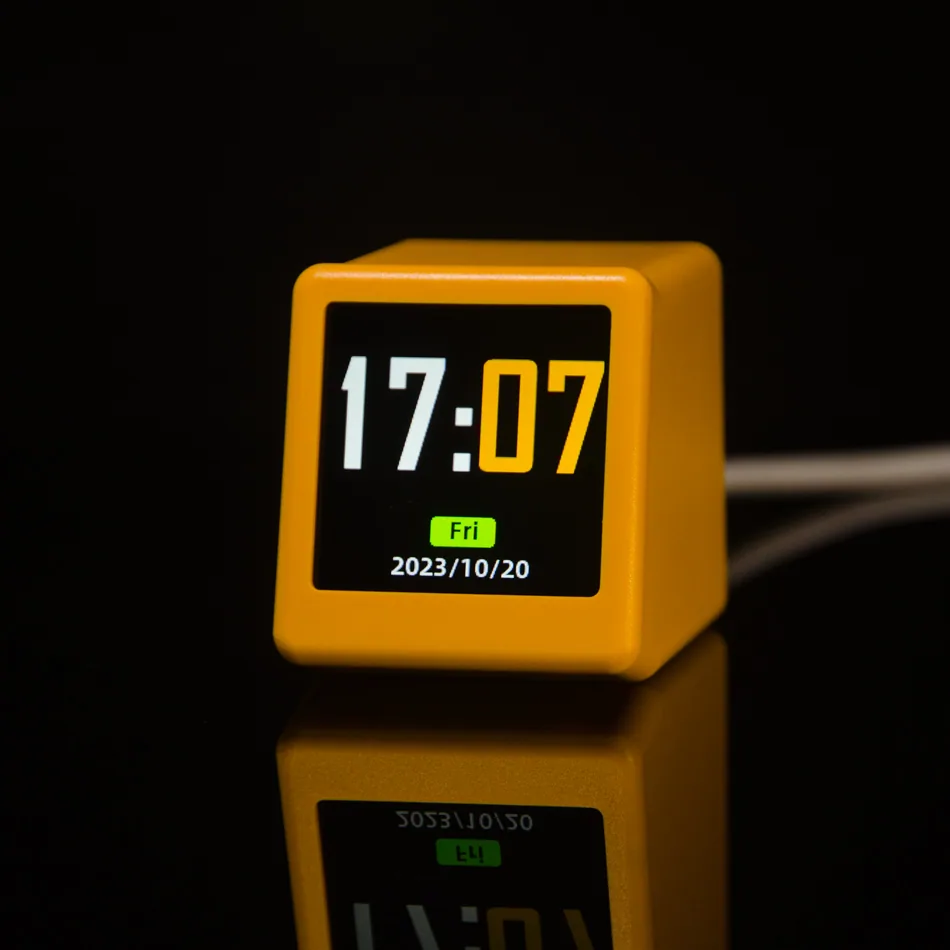
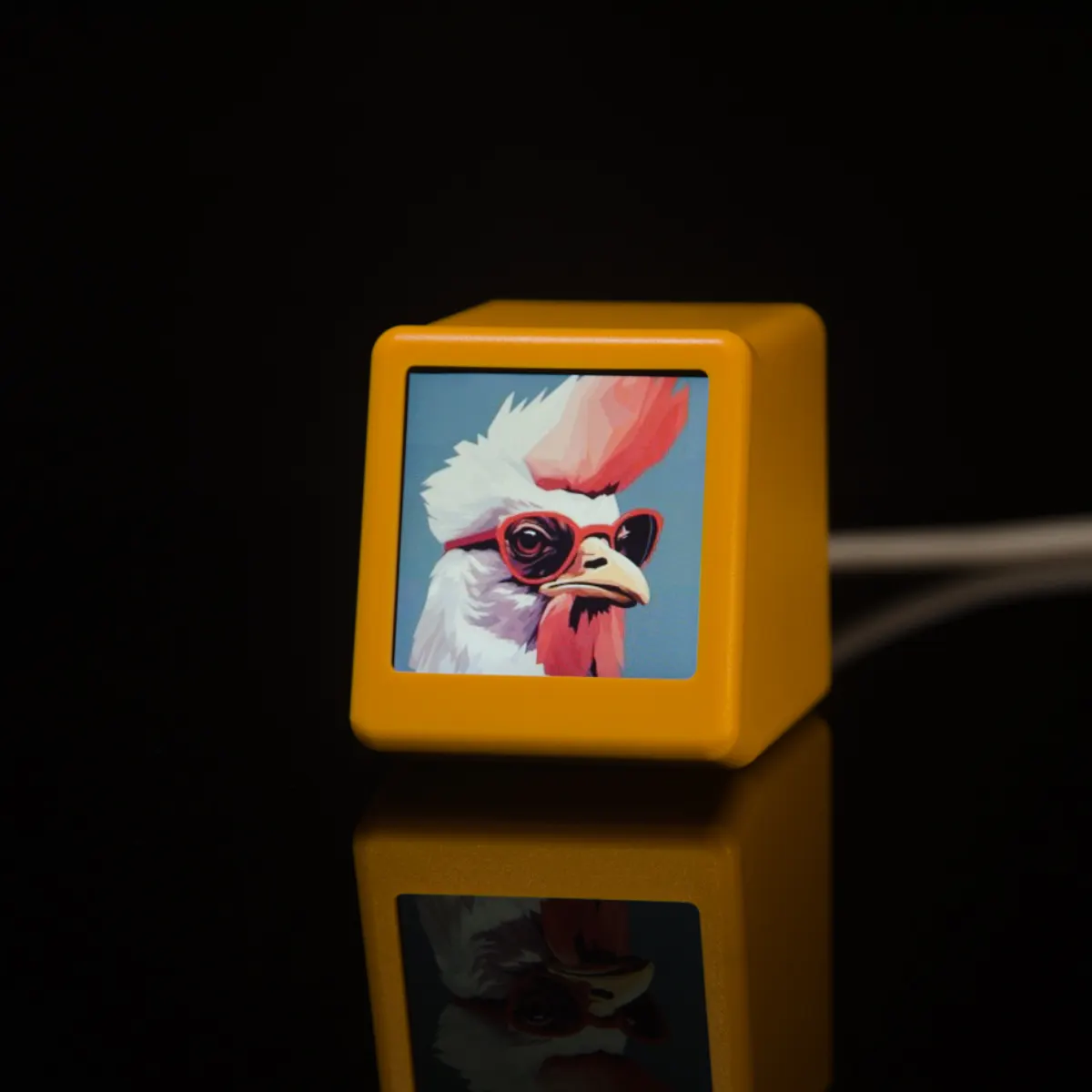
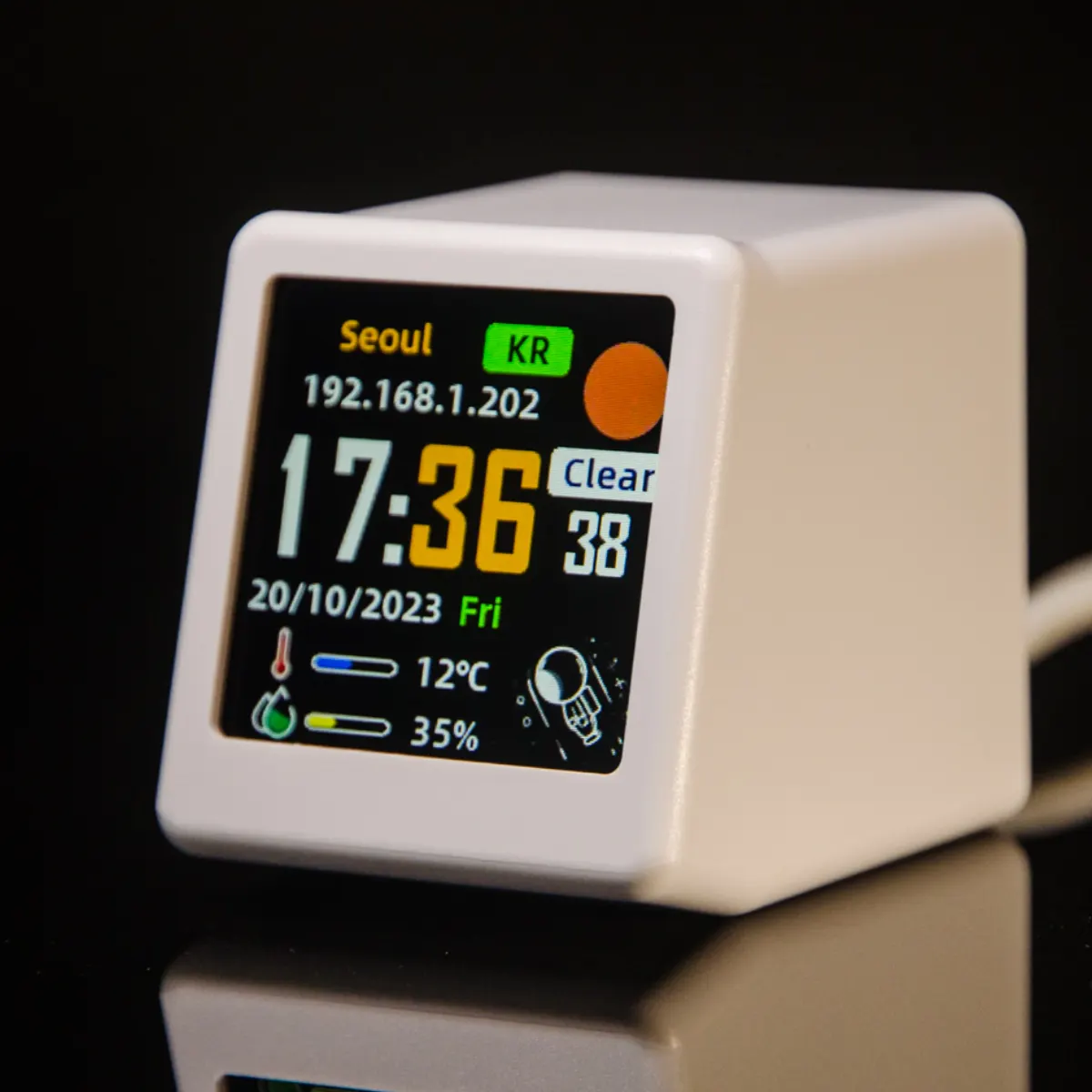
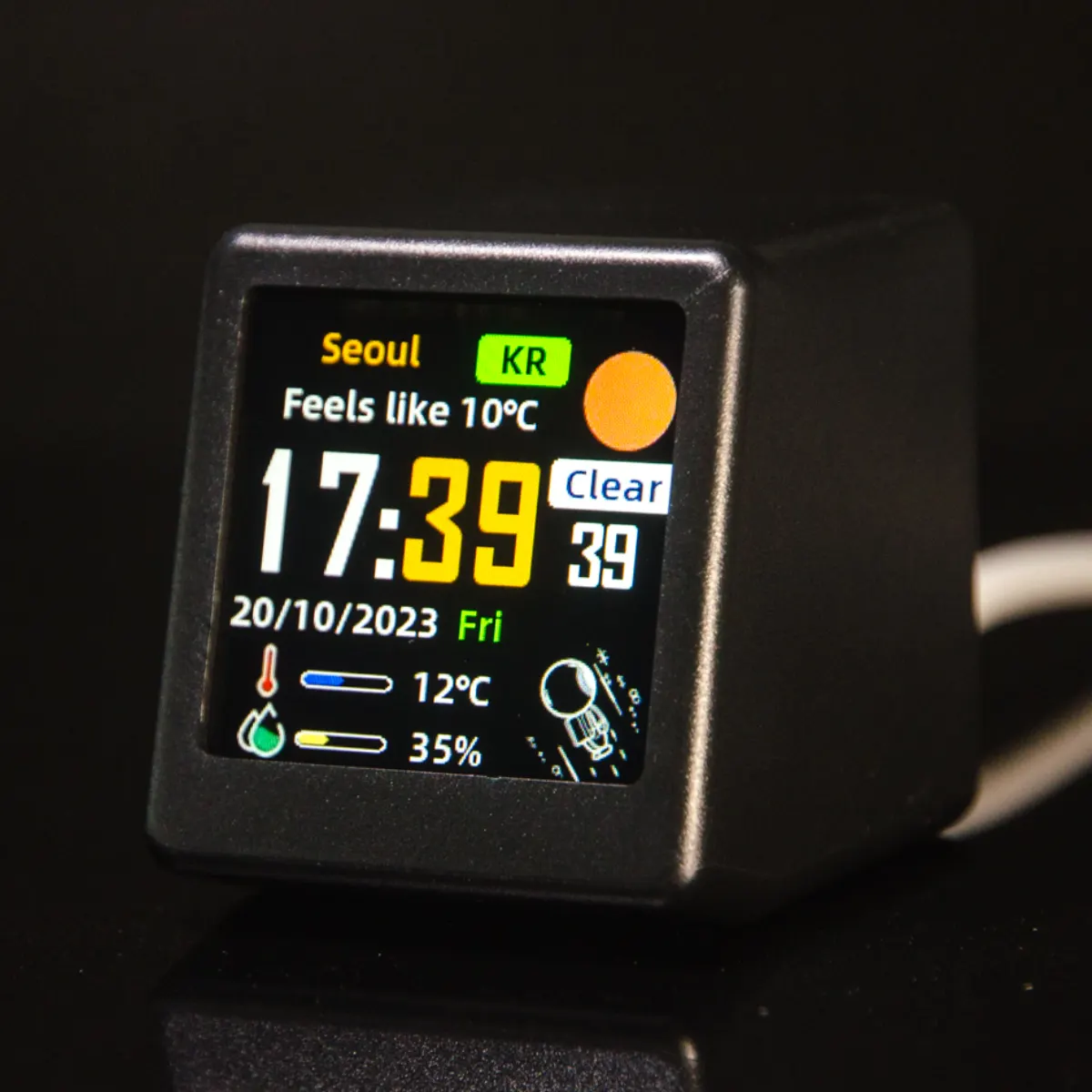
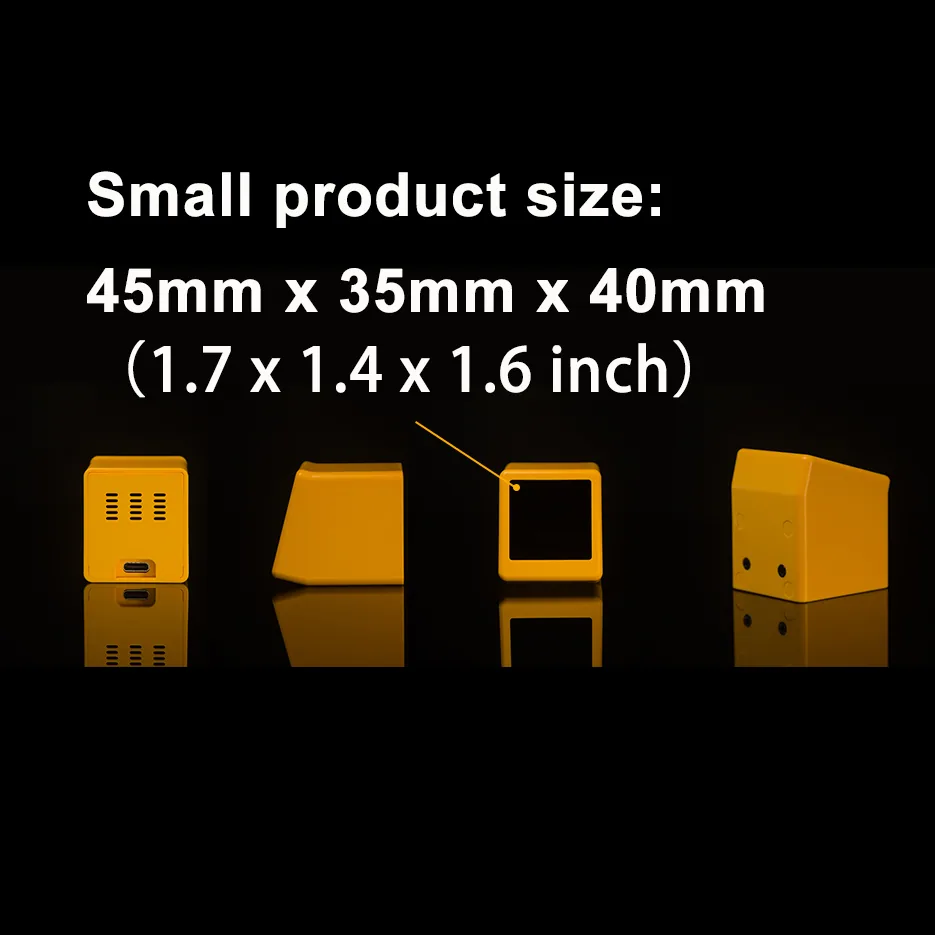
Use the arrows or swipe horizontally to browse the full image set.
Included
- SmallTV Ultra main unit
- 1 m USB to USB-C power cable
- Quick-start instruction card
Good to know
- ABS enclosure in available base colors
- 4 MB total memory, approximately 2 MB available
- Not water- or dust-resistant
- One-year warranty
SmallTV Ultra FAQ
Quick answers for setup, firmware, and daily use.
Does SmallTV Ultra need a mobile app?
No. It uses 2.4 GHz Wi-Fi and browser-based setup, so you can configure it from a phone or computer browser.
What can SmallTV Ultra display?
It can show time, current weather, three-day forecasts, photos, and animated GIFs.
Where can I find official firmware and manuals?
Use the manual and firmware button on this page or start from the GeekMagic support center to open the official GitHub repository.
Videos & independent reviews
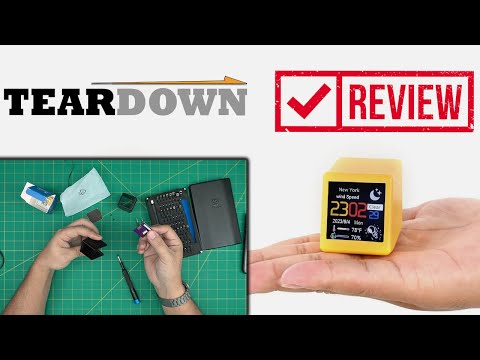
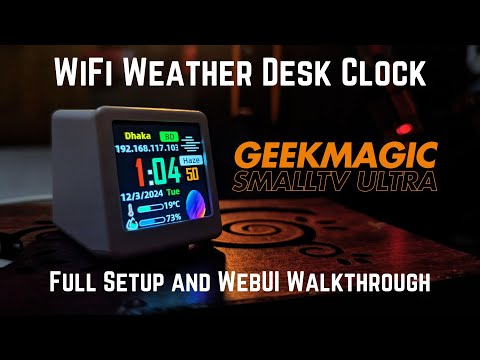
Community walkthroughs, setup guides and product coverage.