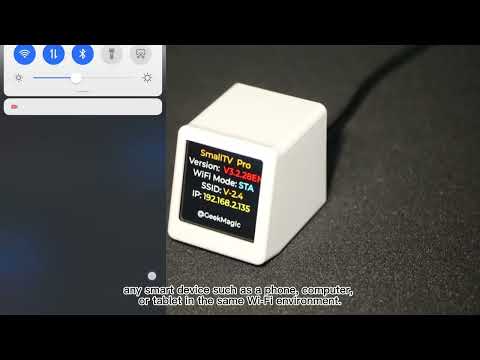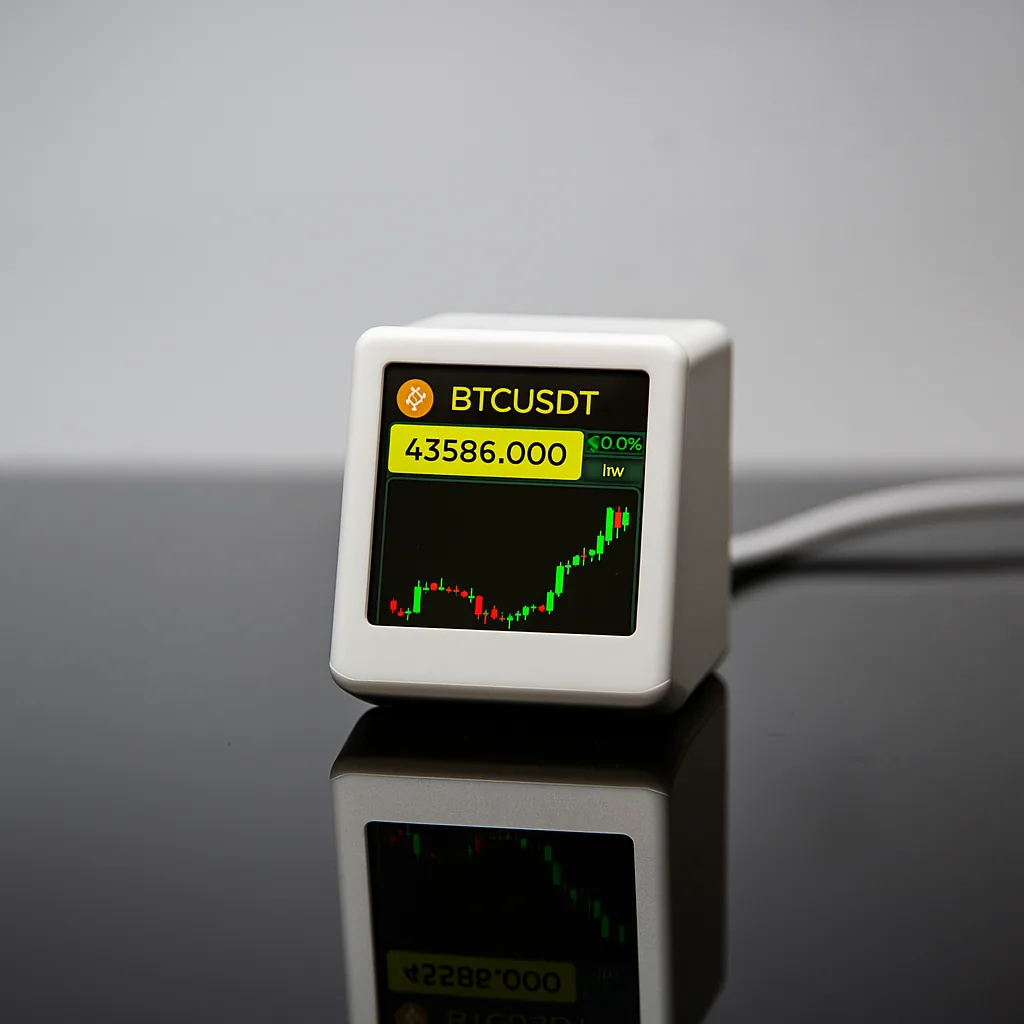
ESP32 Market Display
SmallTV PRO
An always-visible information display for weather, clocks, stocks, cryptocurrency, gold prices and exchange rates.
- 1.54-inch 240 × 240 IPS color display
- 2.4 GHz Wi-Fi and browser-based control without an app
- Also supports JPG pictures and animated GIF playback
Official purchase
Buy SmallTV PRO from the official channel.
Official store pricingshown on AliExpress
Choose your color and complete your purchase in the official GeekMagic store. Shipping and applicable taxes are shown at checkout.
Why buy official
SmallTV PRO depends on the correct firmware and data source behavior. The official channel keeps model, firmware, and support paths aligned.
- Official firmware and manual link
- Verified market, weather, photo, and GIF use cases
- Community videos collected by GeekMagic
- Support path for setup and firmware updates
ShippingShips from mainland China. Estimated delivery: 7–20 days.30-day returnsEligible official orders can request return service within 30 days.1-year warrantyOne-year limited warranty for eligible manufacturing defects.Official contactSupport, wholesale and OEM: GeekMagic@163.com · +86 15692082060 · WeChat: ifengchao.
A compact ESP32 information terminal
Built to keep selected online information in view throughout the day.
CPU & memoryESP32, 8 MB
~3 MB available for images
~3 MB available for images
Display & input1.54-inch IPS, 240 × 240
Top touch button
Top touch button
Connectivity2.4 GHz Wi-Fi
Browser-based control
Browser-based control
Size & power40 × 35 × 45 mm, 40 g
USB-C, 5V / 1A+, 1W
USB-C, 5V / 1A+, 1W
Information modes
Core display modes and enclosure colors without repeating the same screen twice.
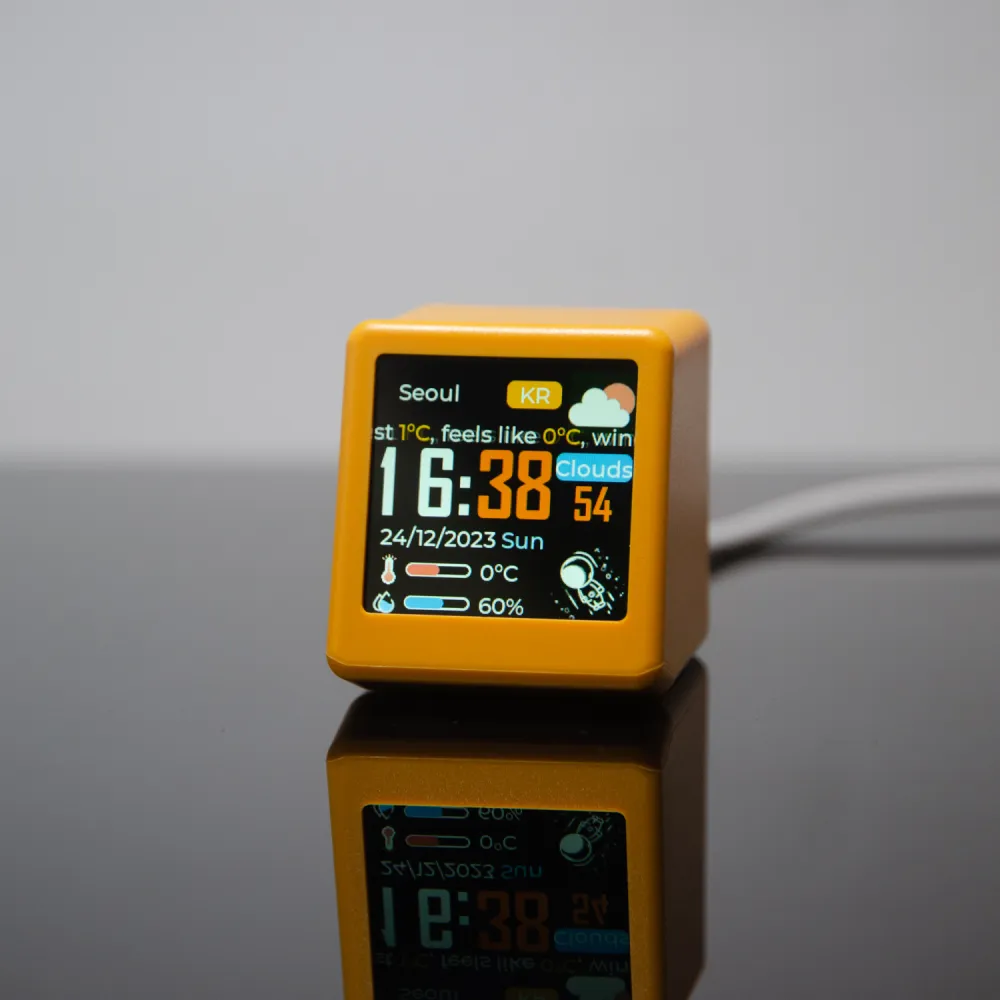
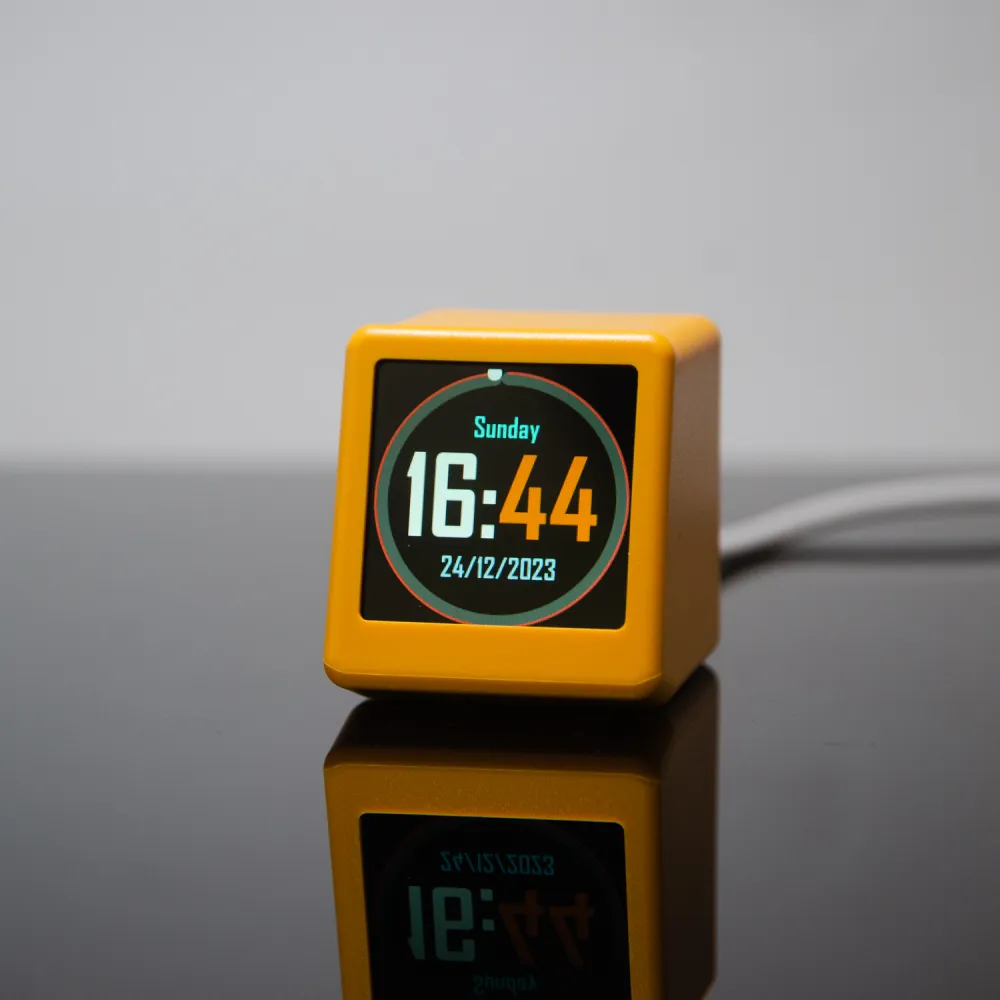
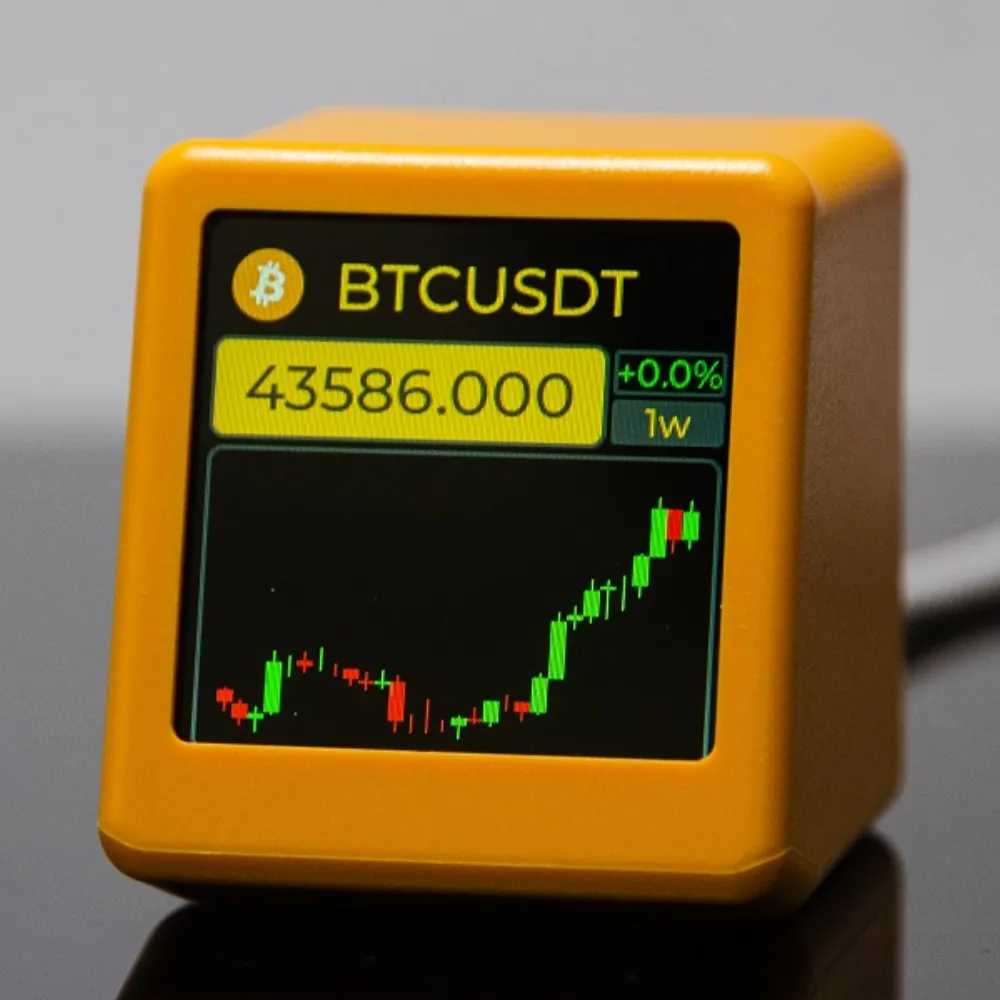
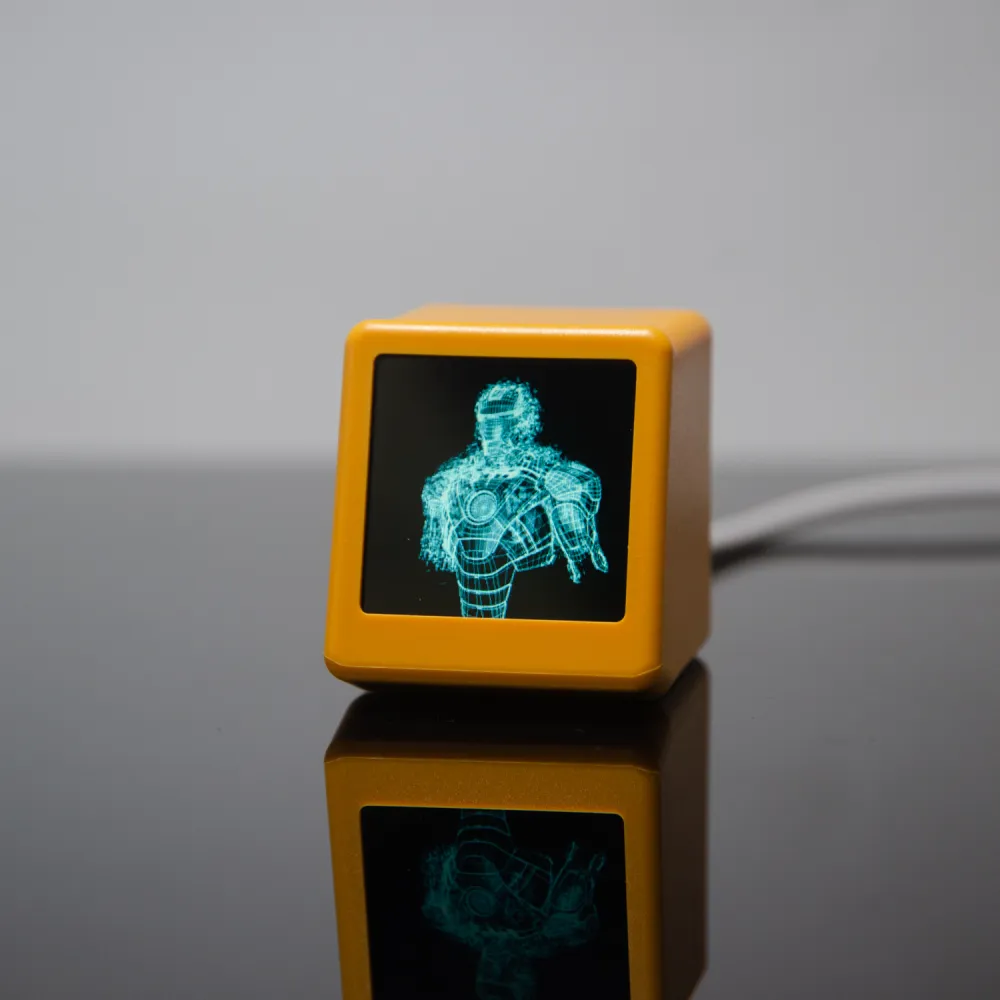
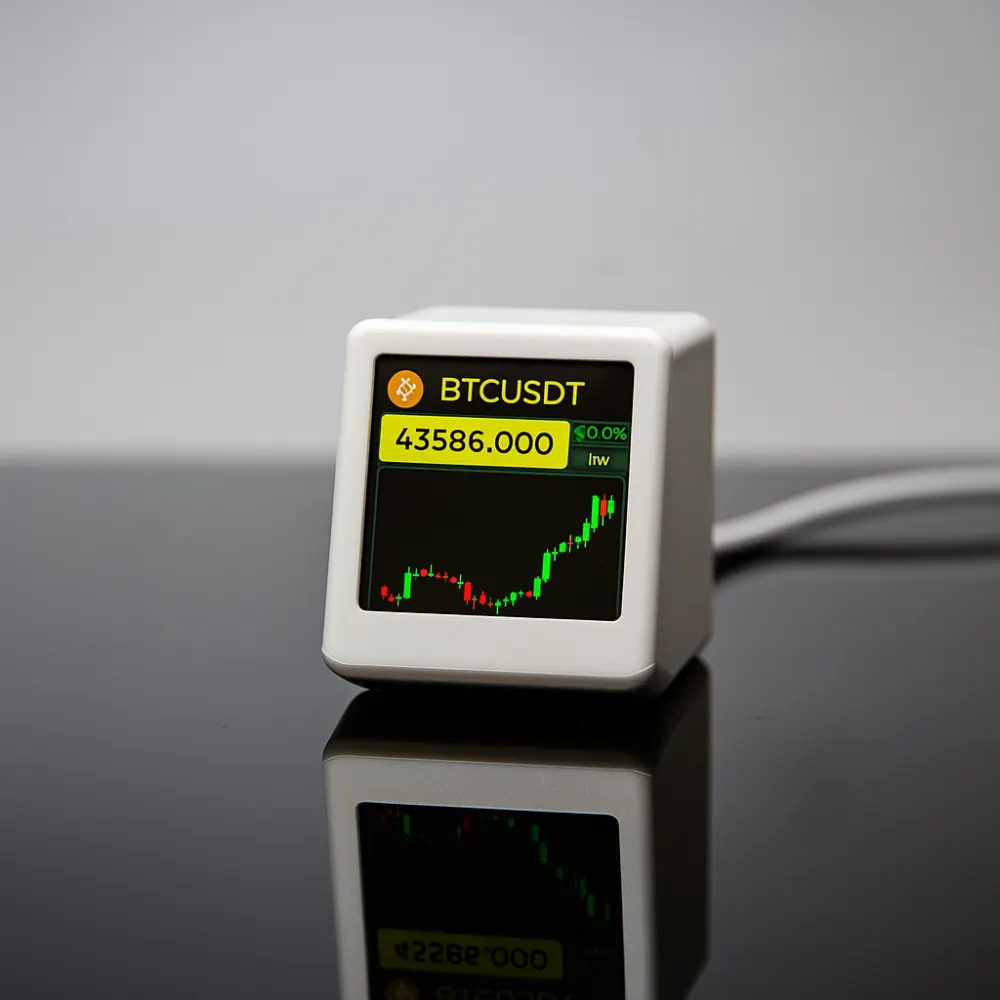
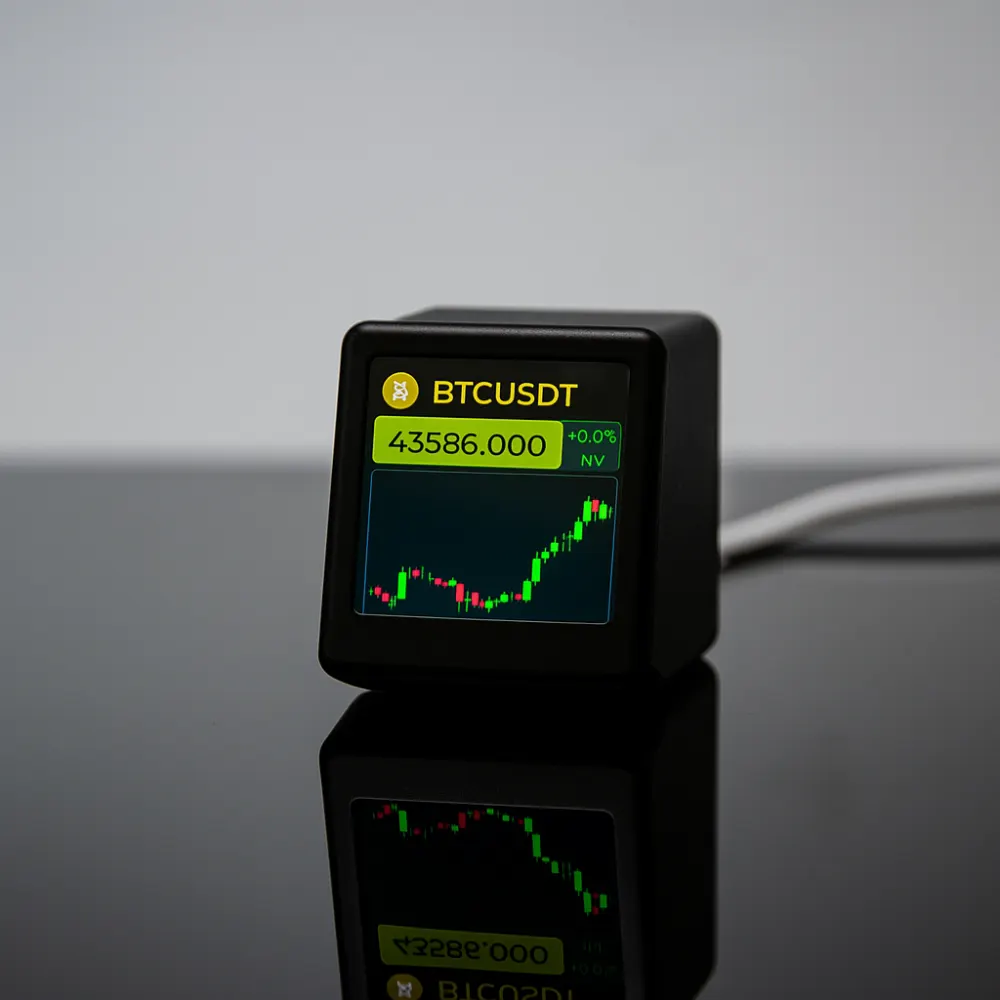
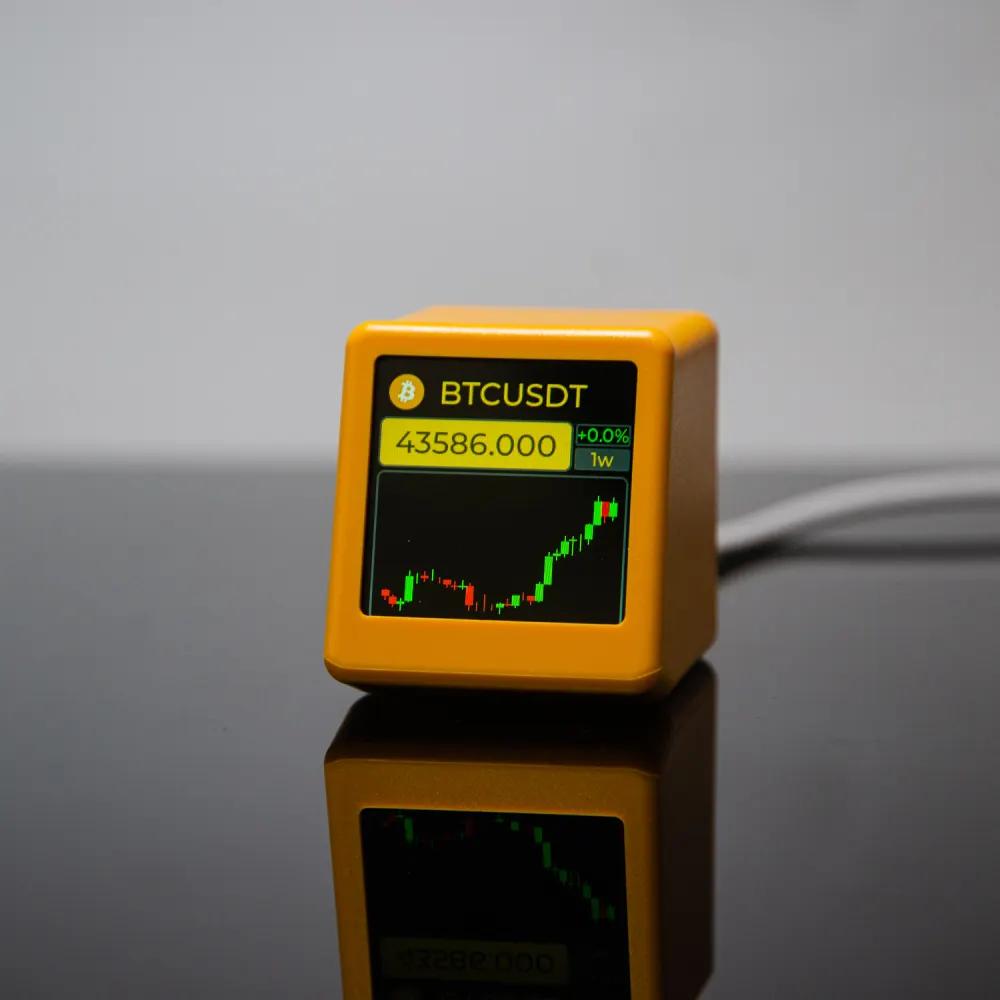
Use the arrows or swipe horizontally to browse the whole mode set.
Included
- SmallTV PRO main unit
- 1 m USB to USB-C power cable
- Quick-start instruction card
Good to know
- ABS enclosure in black, white, yellow and other variants
- Adjustable display brightness
- Not water- or dust-resistant
- One-year warranty
SmallTV PRO FAQ
Quick answers for market data, controls, and official firmware.
What market data can SmallTV PRO show?
It is designed for weather, stocks, cryptocurrency, gold prices, and exchange-rate use cases, plus clocks, photos, and GIFs.
Does SmallTV PRO support touch input?
Yes. SmallTV PRO includes a top touch button for device interaction.
Where can I find official firmware and manuals?
Use the manual and firmware button on this page or start from the GeekMagic support center to open the official GitHub repository.
Videos & independent reviews
See the weather, clock and market modes in real use.